Get set up
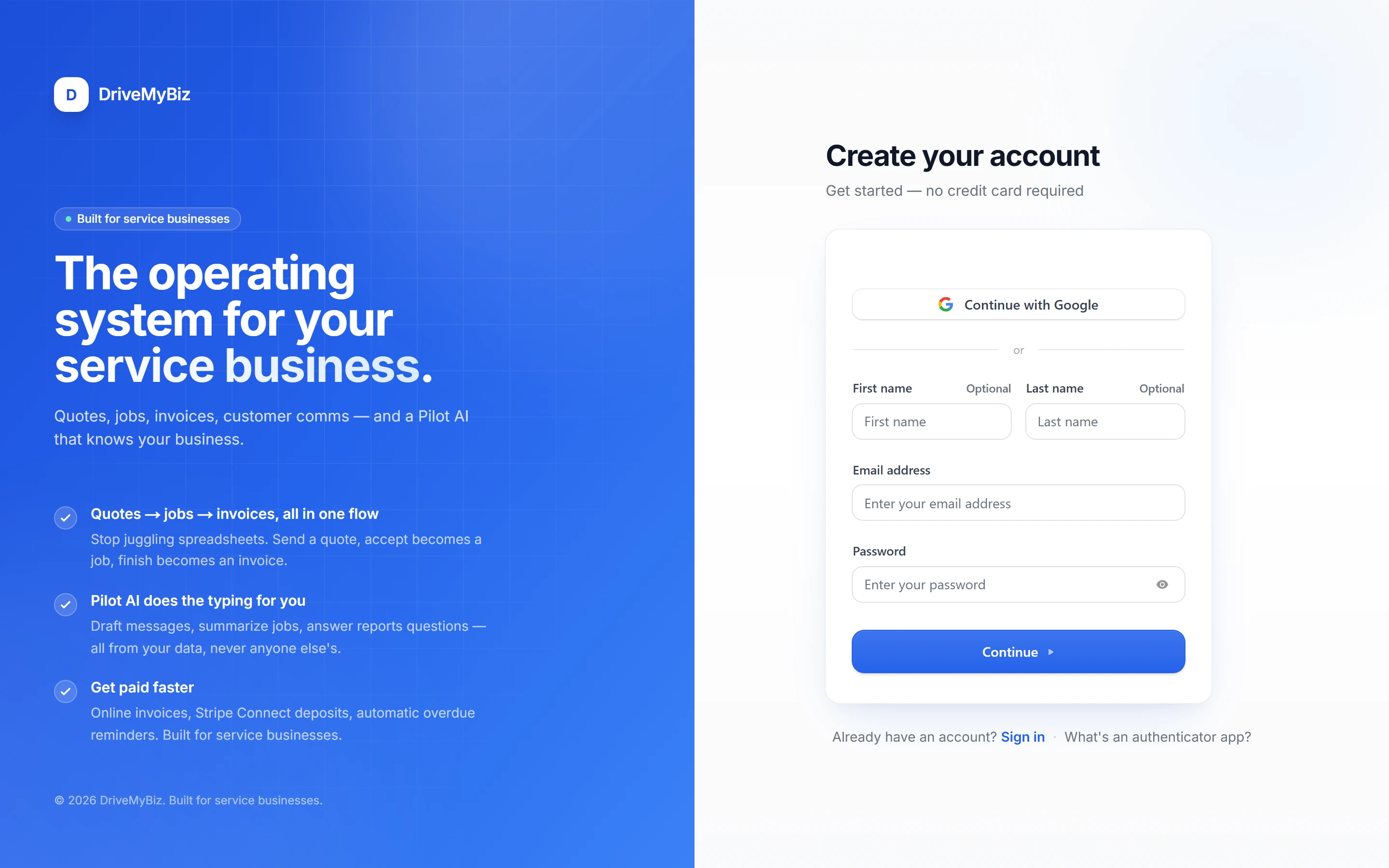
Create your account
Sign up free in seconds — no credit card. Email, Google, or a one-time SMS code, your choice.
 Enlarge
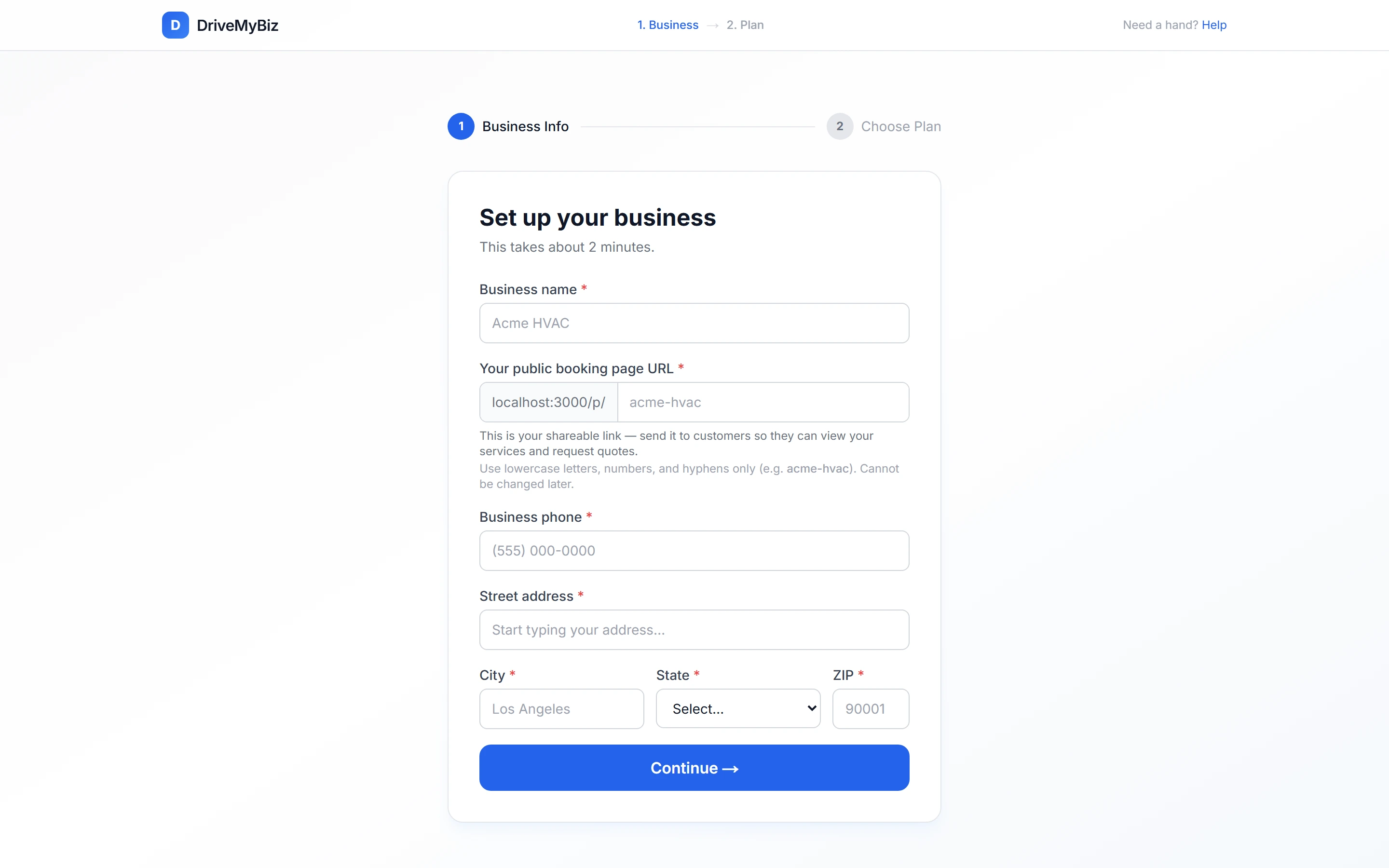
Tell us about your business
Your business name, phone, address, and the web address for your public booking page. Two minutes, tops — address autocomplete fills the rest.
 Enlarge
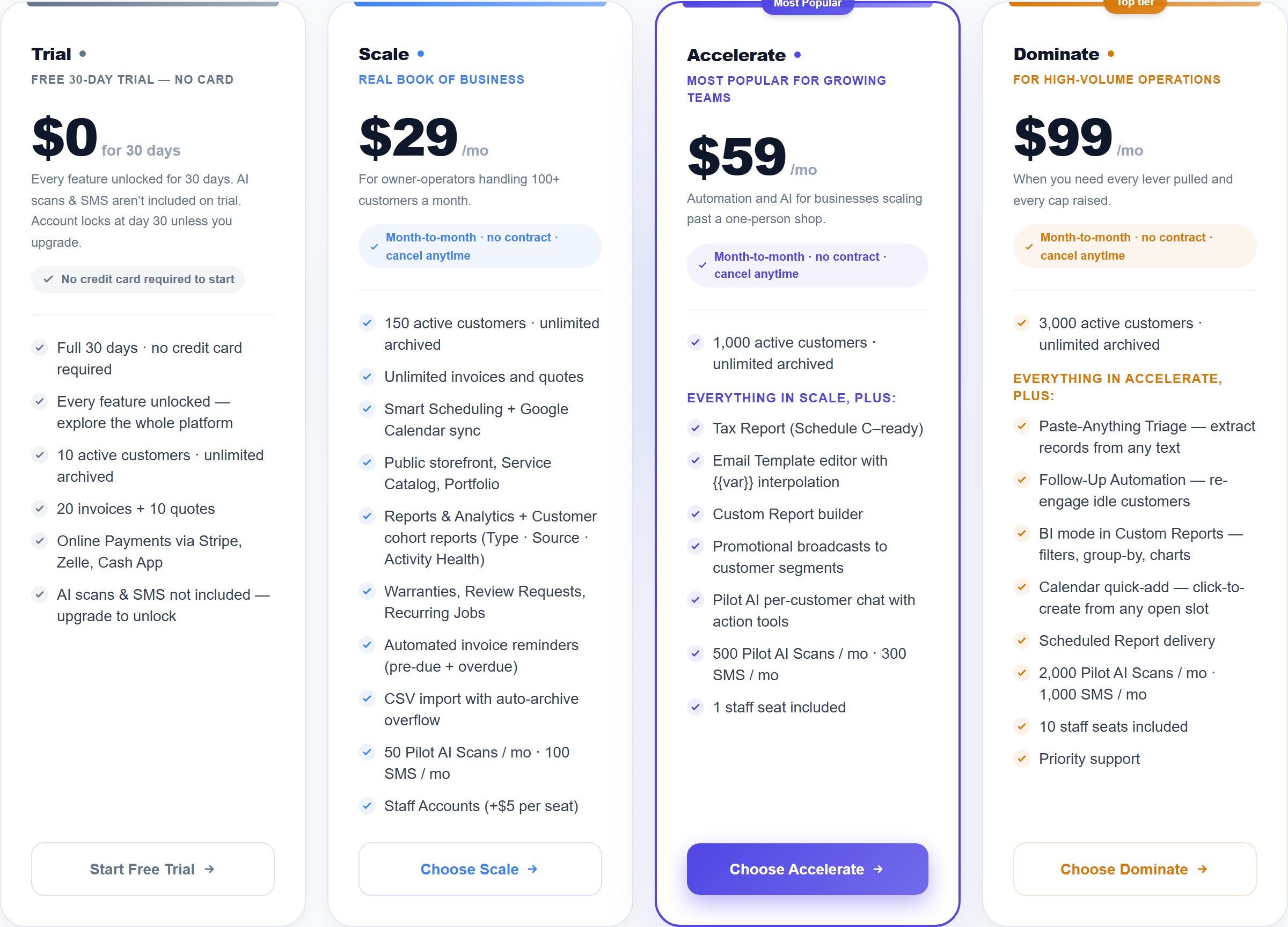
Pick your plan
Start on the free 30-day trial or jump straight onto a paid plan. Every plan unlocks the full toolset — change tiers anytime.
 Enlarge
Run your business
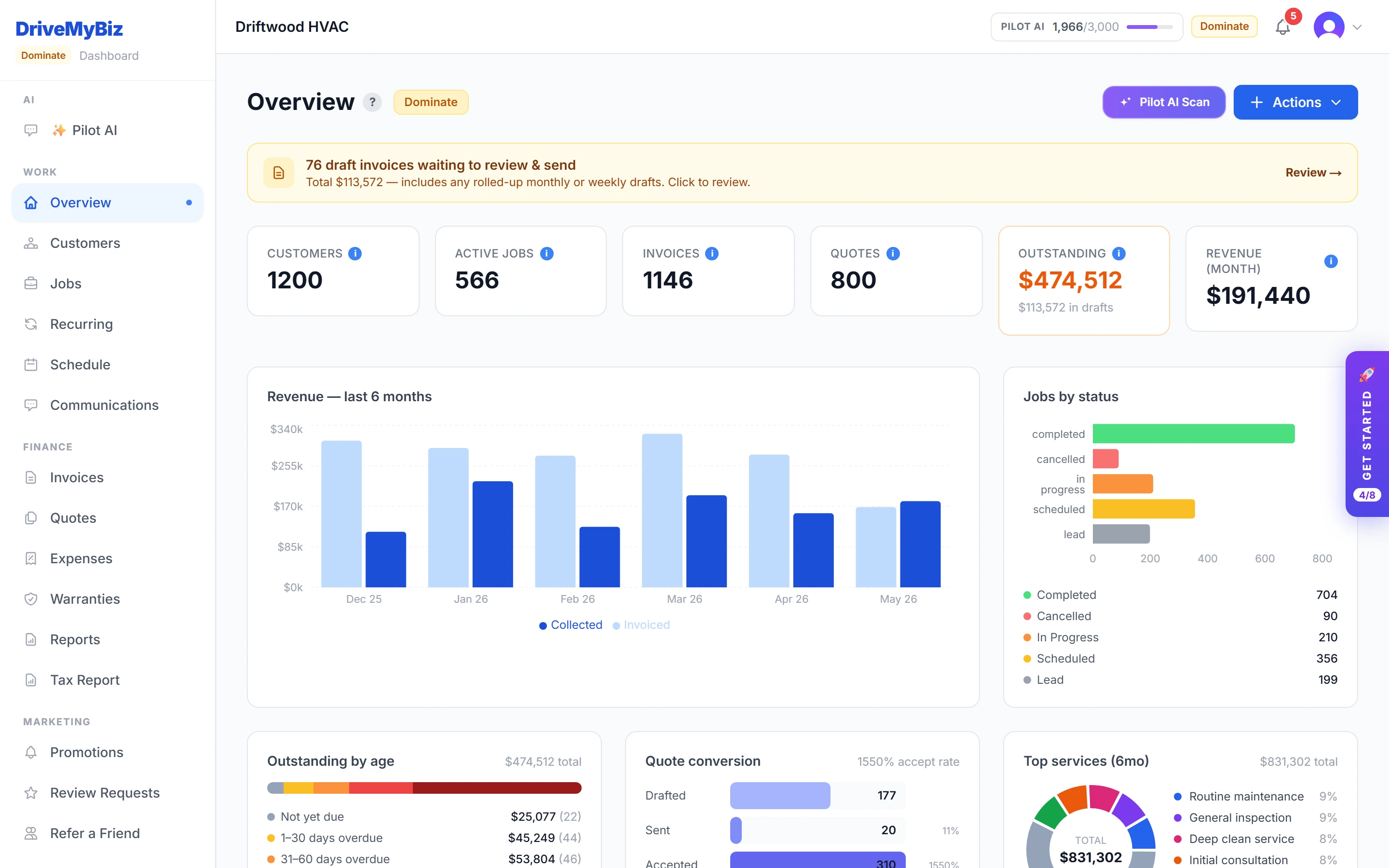
Your command center
The dashboard shows revenue, active jobs, what you are owed, and your week ahead — the moment you sign in.
 Enlarge
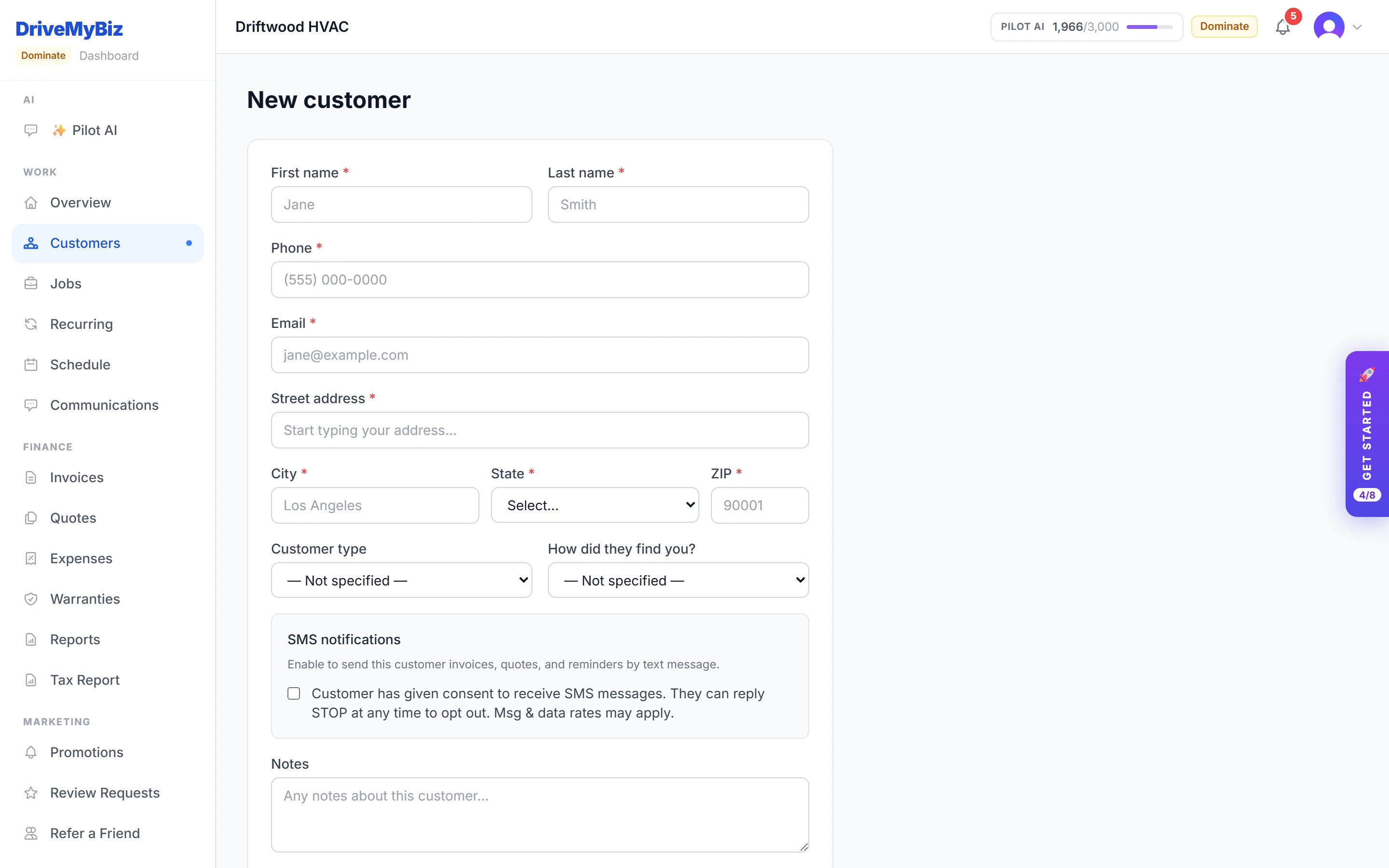
Add a customer
Build a contact record once. Every job, quote, invoice, and message links back to it automatically.
 Enlarge
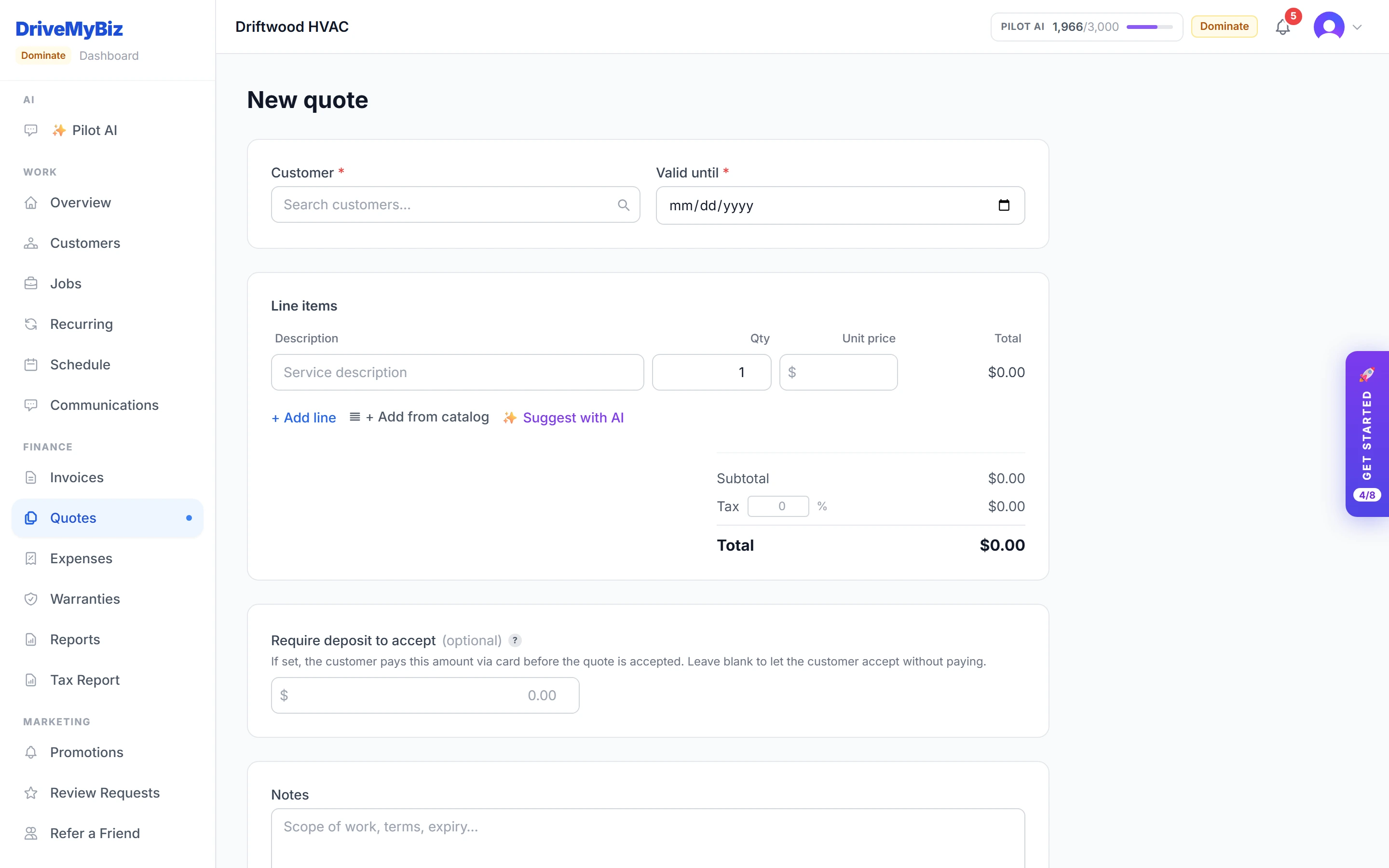
Build and send a quote
Draft line items — or let AI Quote Assist write them from a plain description — set a deposit, and send a branded online quote.
 Enlarge
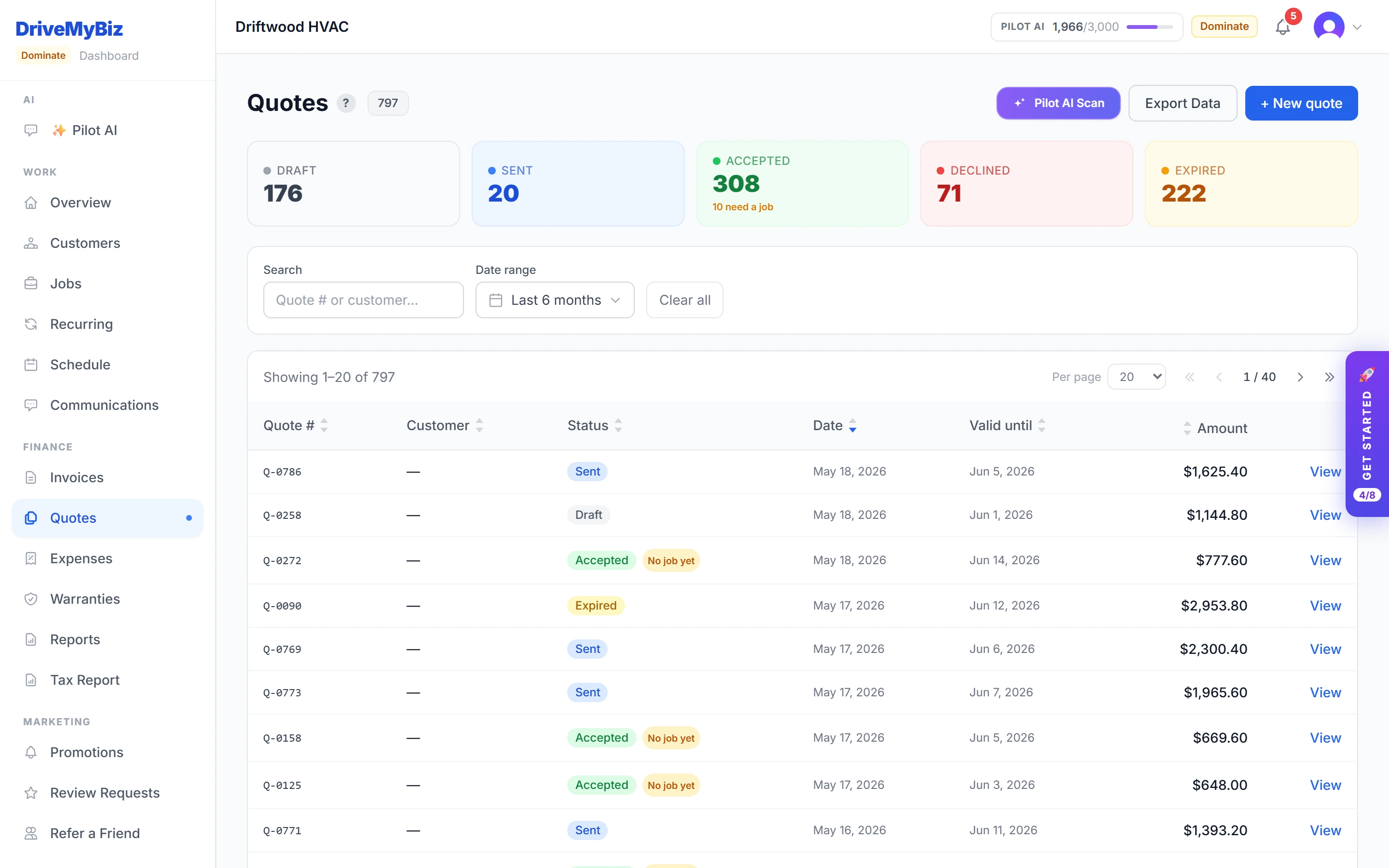
Quote accepted → job created
When the customer accepts online, the deposit is captured, the job and appointment are created, and the confirmation email goes out. No double-entry.
 Enlarge
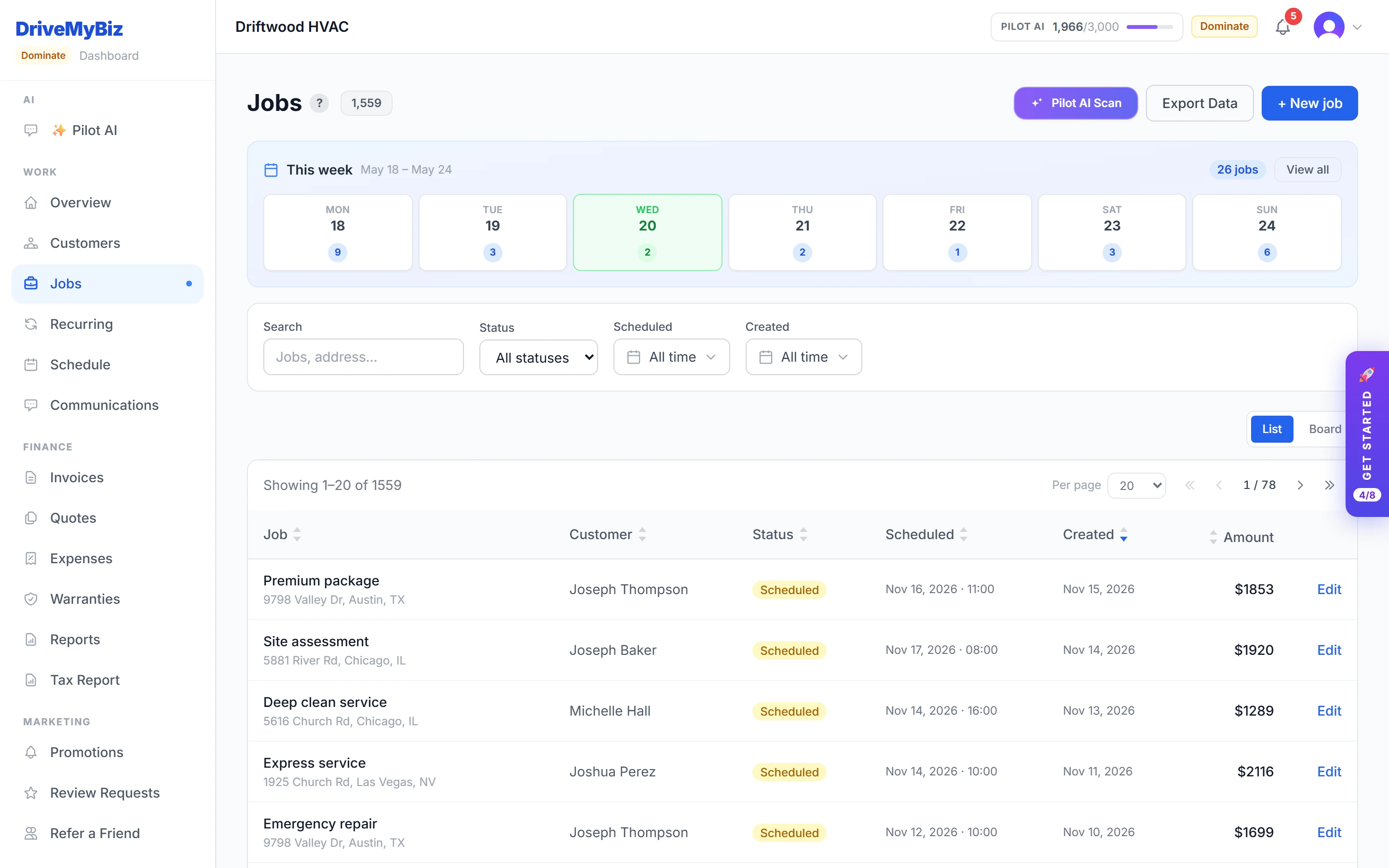
Work the job board
Track every job from lead to paid in a list or a drag-friendly board. Attach photos, assign staff, update status.
 Enlarge
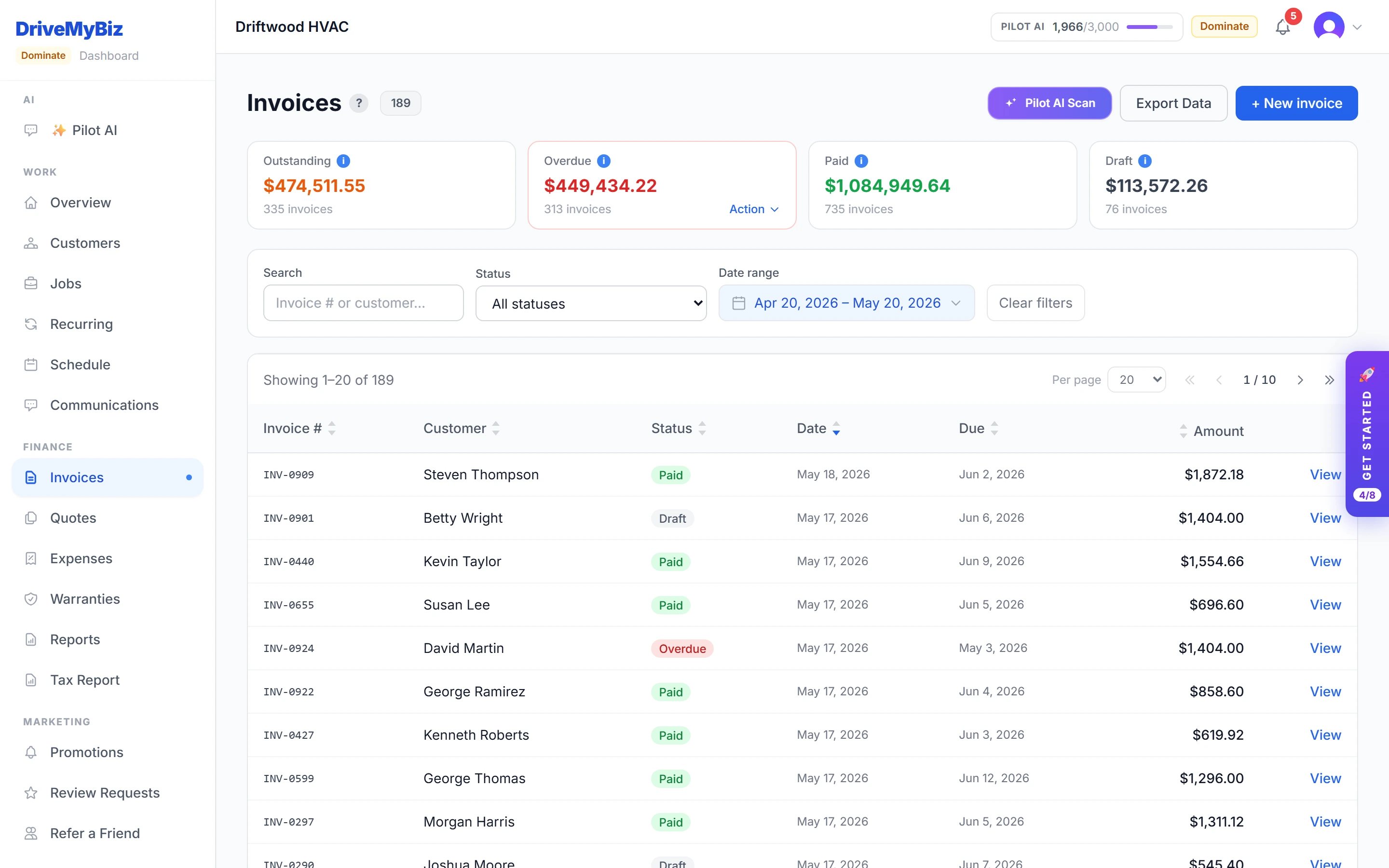
Invoice and get paid
Turn a finished job into an invoice in one click. The customer pays online by card; the invoice marks itself paid.
 Enlarge
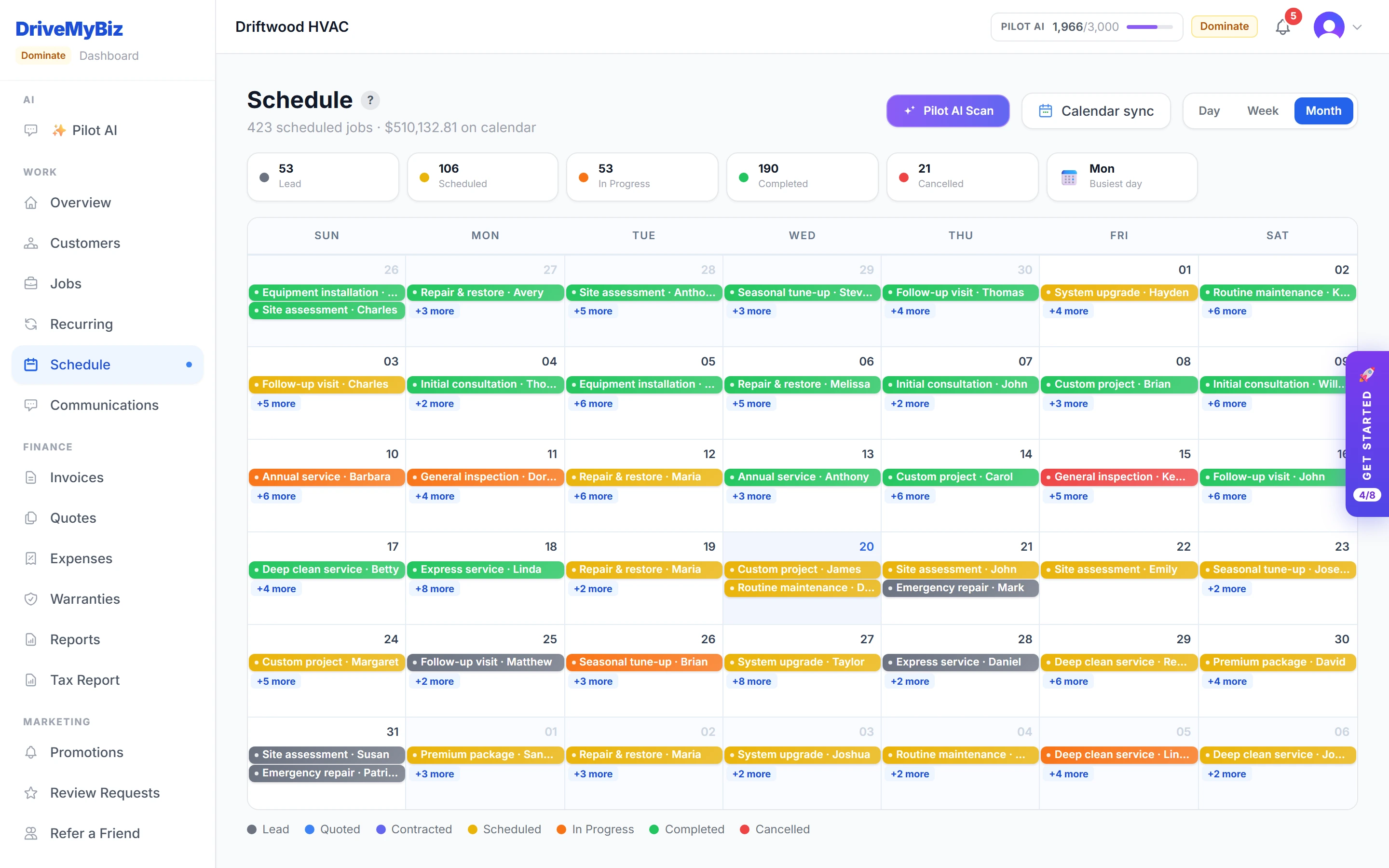
See your whole week
Day, week, and month calendar views over one job schedule — subscribe Google, Apple, or Outlook to a private feed.
 Enlarge
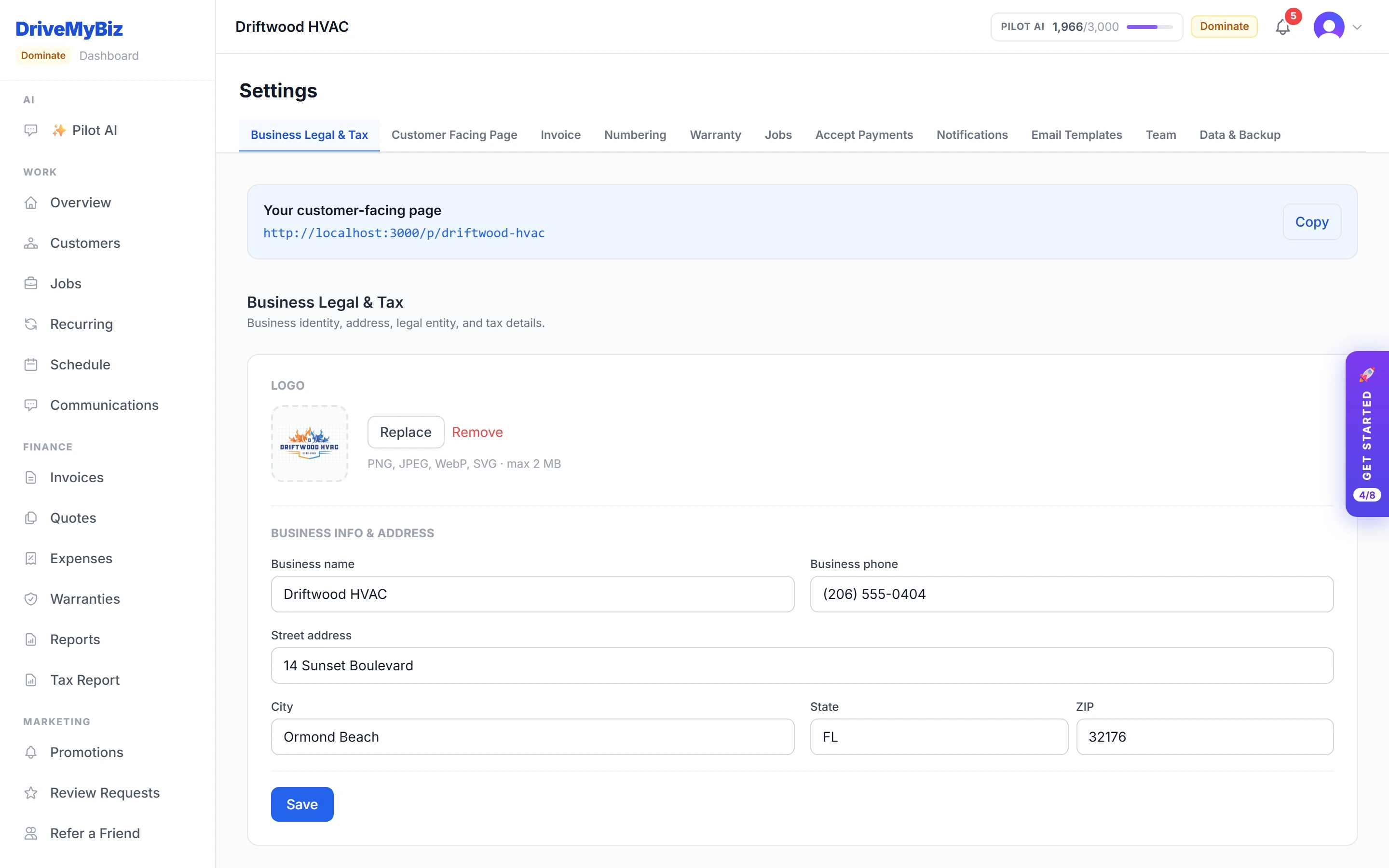
Your public booking page
Share one link. Customers browse your services and book online — and the request lands straight in your pipeline as a lead.
 Enlarge
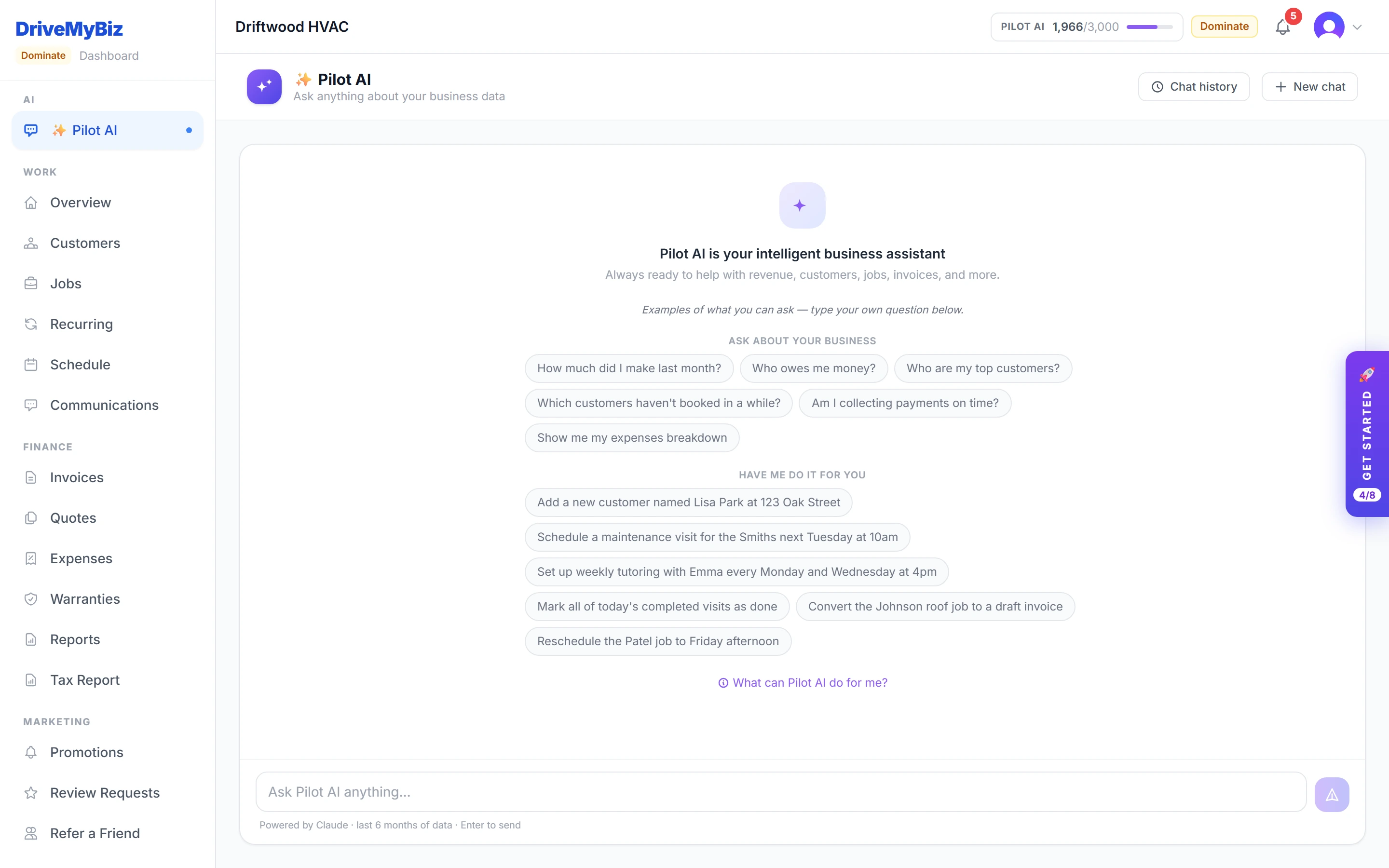
Ask Pilot AI anything
Ask your business plain-English questions, or tell Pilot AI to do something — it proposes the change and waits for your confirmation.
 Enlarge
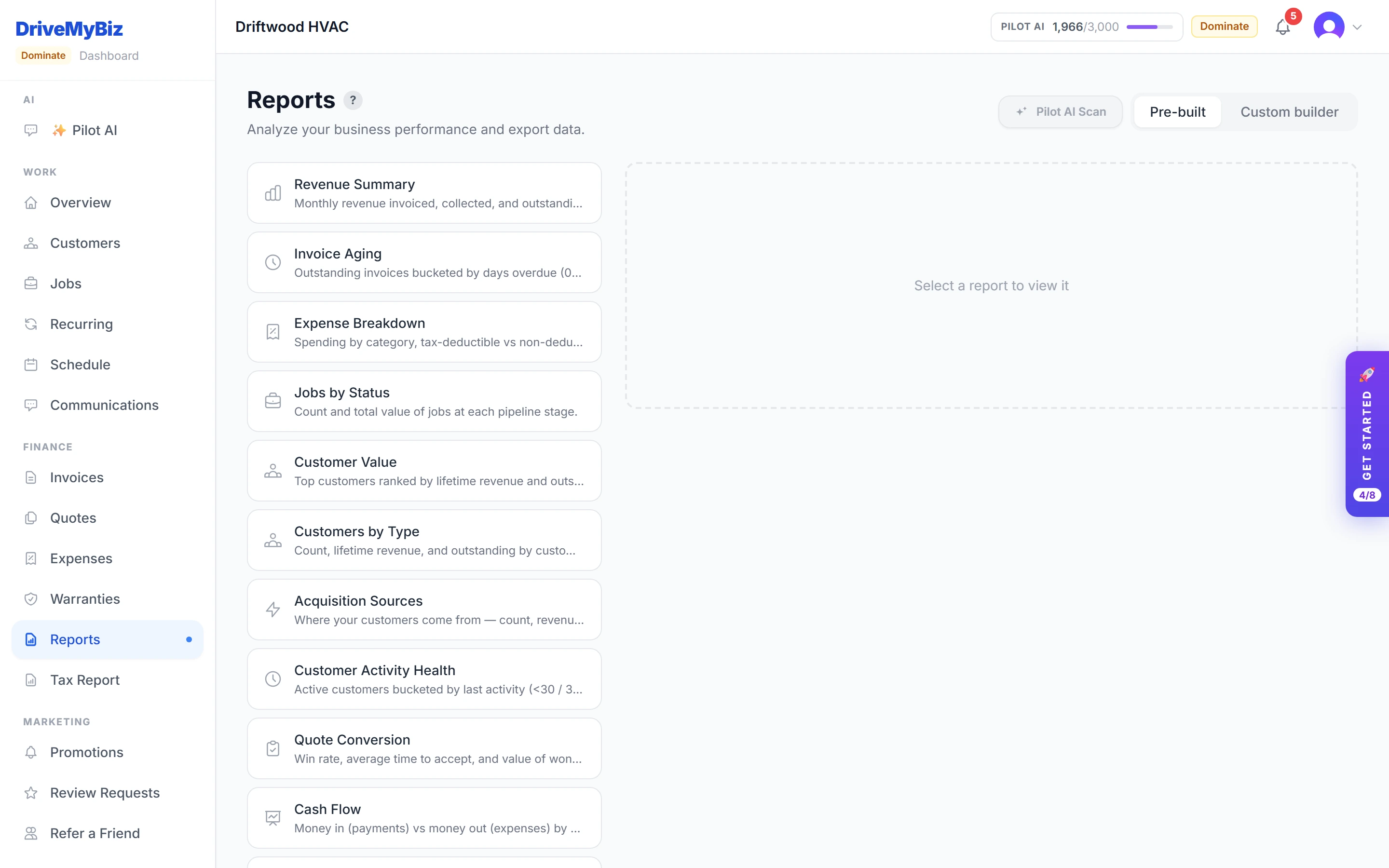
Know your numbers
Prebuilt reports for revenue, overdue invoices, profitability, and more — exportable or emailed to you on a schedule.
 Enlarge